


Views: 267 Author: Otechkabel Publish Time: 2026-07-05 Origin: Site


If you are comparing USB 2.0 vs USB 3.0, the key difference is simple: USB 3.0 is much faster, more efficient, and better suited for modern devices, while USB 2.0 remains useful for basic peripherals and cost-sensitive applications. [developers.google]
For cable buyers, OEM customers, and product engineers, the real question is not only speed, but also compatibility, signal quality, power delivery, and application fit. [quickcreator]
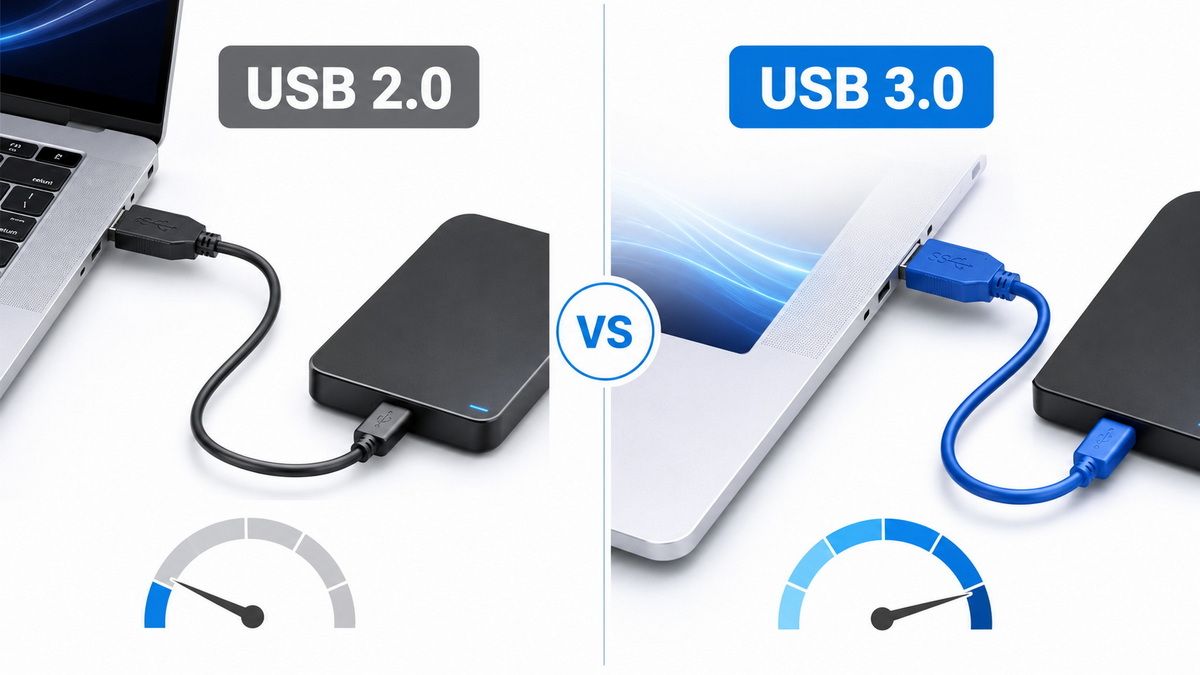
USB 2.0 and USB 3.0 are two generations of the Universal Serial Bus standard used to connect devices and transfer data. [semrush]
USB 2.0 is an older standard designed for keyboards, mice, printers, scanners, and many low-bandwidth devices. [semrush]
USB 3.0 was introduced to support higher data throughput, faster external storage, better multitasking, and improved power efficiency. [semrush]
For manufacturers, the difference matters because cable design, connector quality, shielding, and material selection directly affect performance and user experience. [developers.google]
The most visible differences are speed, electrical design, and physical connector features. [semrush]
| Feature | USB 2.0 | USB 3.0 |
|---|---|---|
| Maximum theoretical speed | 480 Mbps | 5 Gbps |
| Typical use | Basic peripherals | Storage, cameras, fast data transfer |
| Power delivery | Lower | Higher and more efficient |
| Connector design | Usually simpler | Often has extra pins and blue insert |
| Backward compatibility | Broad | Backward compatible with USB 2.0 devices |
USB 3.0 offers a major jump in bandwidth, which makes a visible difference when transferring large files or using external SSDs and high-speed peripherals. [semrush]
USB 2.0 is still acceptable for low-data applications where cost and simplicity matter more than performance. [semrush]
The biggest advantage of USB 3.0 is real-world speed.
A USB 2.0 connection can feel slow when copying video files, large image libraries, or backup data, while USB 3.0 significantly reduces waiting time. [semrush]
From an OEM perspective, this matters because users often judge a product by the cable experience, not only by the device itself.
A slow or unstable cable can create complaints even when the core product is technically sound.
In our experience as a cable manufacturer, the performance gap becomes especially obvious in:
- External hard drives and SSD enclosures.
- High-resolution webcams.
- Data acquisition devices.
- Industrial equipment requiring stable, continuous transfer.
- Multi-device office setups.
USB 3.0 is generally backward compatible with USB 2.0 devices, which makes it easier to integrate into mixed product ecosystems. [semrush]
However, the reverse is not true for performance: a USB 2.0 cable will not enable USB 3.0-level transfer speeds, even if the devices support them. [semrush]
Connector design also helps users identify the standard.
USB 3.0 connectors often use additional internal pins and may include a blue insert, though visual identification should not replace specification checks.
For procurement teams, the practical lesson is clear: matching the cable spec to the device spec is essential.
A high-end device can still underperform if the cable is underspecified.
USB 2.0 is not obsolete.
It remains a smart choice for products where data transfer is light and price sensitivity is high. [semrush]
Common use cases include:
- Keyboards and mice.
- Barcode scanners.
- Basic printers.
- Simple charging cables.
- Low-speed embedded systems.
- Legacy industrial and office equipment.
For OEM buyers, USB 2.0 can be the right option when the product goal is reliability, low cost, and broad compatibility rather than maximum throughput.
USB 3.0 is the better choice when speed, responsiveness, and user satisfaction matter most. [semrush]
It is especially valuable for:
- External storage products.
- High-resolution video capture.
- Professional cameras and imaging equipment.
- Fast synchronization workflows.
- Business devices where downtime is expensive.
In modern product planning, USB 3.0 is often the more future-ready standard because user expectations for transfer speed continue to rise.
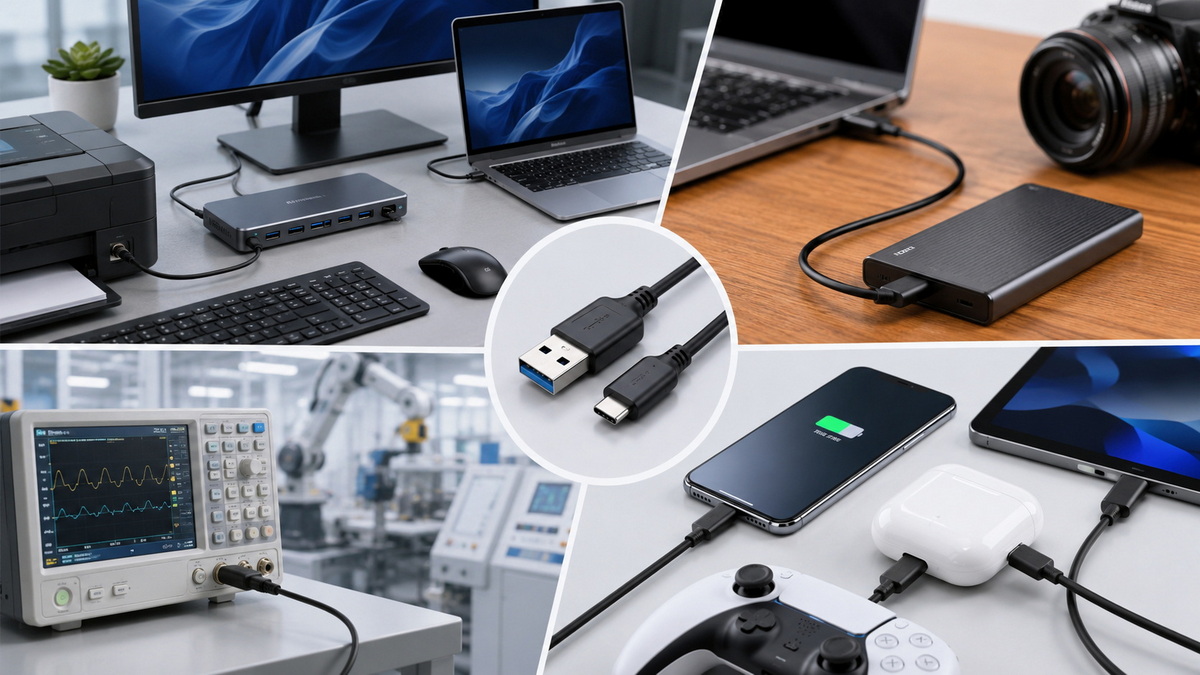
When choosing between USB 2.0 and USB 3.0, use the following decision logic:
1. Define the device's actual bandwidth need.
2. Check the required power delivery and signal stability.
3. Confirm host-device compatibility.
4. Consider cable length and shielding requirements.
5. Balance cost against performance expectations.
6. Test the cable under real operating conditions.
A cable that passes a basic connection test may still fail in real use if shielding is weak, conductor quality is poor, or the assembly is inconsistent.
That is why OEM buyers should treat cable selection as part of product engineering, not just sourcing.
Cable performance depends on more than the USB version label. [quickcreator]
Important quality factors include conductor gauge, shielding structure, connector plating, assembly precision, and strain relief.
Poorly made cables can cause:
- Slow transfer speeds.
- Intermittent disconnection.
- Signal loss over longer distances.
- Charging instability.
- Higher return rates.
For brand owners and distributors, these issues affect not only product quality but also customer trust and after-sales cost.
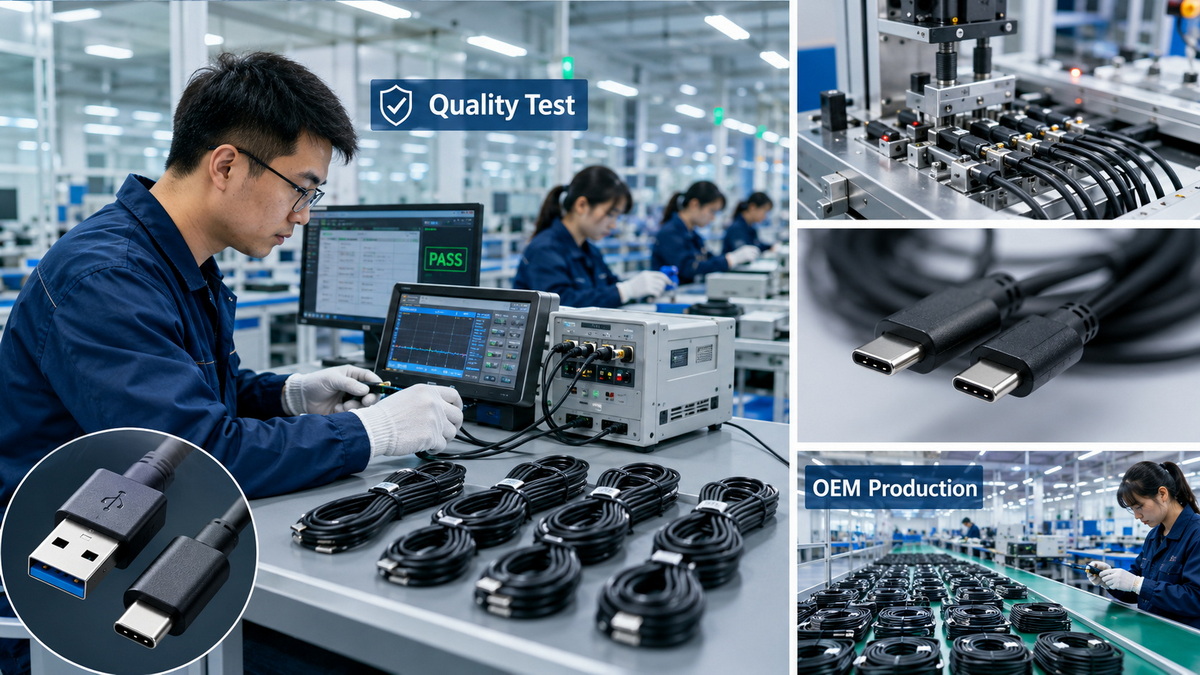
From an industry standpoint, USB 2.0 remains a workhorse standard for simple and cost-controlled applications, while USB 3.0 supports the growing demand for faster data movement and richer device ecosystems. [semrush]
This is why many product portfolios still include both versions instead of replacing one with the other.
The strongest OEM strategy is usually segmentation:
- Use USB 2.0 where function is basic.
- Use USB 3.0 where speed influences buying decisions.
- Standardize the assembly process to reduce defects.
- Validate compatibility across the full supply chain.
For overseas brands, wholesalers, and manufacturers, cable sourcing is not just about unit price.
It is about stable quality, predictable lead times, and the ability to customize specifications for different markets.
A reliable OEM partner should provide:
- Clear spec documentation.
- Consistent production standards.
- Custom length, color, and packaging options.
- Stable electrical performance.
- Professional testing and quality control.
For a company like Shenzhen Otechkabel Electronic Co., Ltd, this is where manufacturing expertise becomes a commercial advantage: the right cable design helps brands reduce complaints and improve product perception.
If your product needs only basic connectivity, USB 2.0 is often enough.
If your customers expect faster transfer, smoother operation, and better future compatibility, USB 3.0 is the smarter investment. [semrush]
The best choice depends on actual use, not marketing language.
For OEM and wholesale buyers, the winning approach is to match the cable standard to the device function, then validate the cable with real-world testing.
Yes. USB 3.0 devices and ports usually support USB 2.0 connections, but performance will fall back to USB 2.0 speed. [semrush]
No. A USB 2.0 cable cannot deliver USB 3.0 transfer rates because the internal design is different. [semrush]
USB 3.0 is better because it offers much faster data transfer and a better user experience. [semrush]
Yes. It is still widely used for peripherals and low-bandwidth devices where cost matters more than speed. [semrush]
They should check data speed requirements, power needs, connector type, shielding, cable length, and testing standards. [developers.google]
1. Google Search Central. "Creating helpful, reliable, people-first content." [https://developers.google.com/search/docs/fundamentals/creating-helpful-content]
2. MT Soln. "How to Write an E-E-A-T Optimized Blog Post (for Humans & AI)." [https://www.mtsoln.com/zh-TW/company/news/how-to-write-an-e-e-a-t-optimized-blog-post-for-humans-ai/]
3. Semrush. "Google E-E-A-T: What it is & how it affects SEO." [https://www.semrush.com/blog/eeat/]
4. QuickCreator. "E-E-A-T for Technical Content: 2025 Best Practice Guide." [https://quickcreator.io/blog/eeat-for-technical-content-2025-best-practice-guide/]


